A GPS fence does not bury a wire around the yard. It draws a shape on a map inside an app, and the collar decides moment by moment whether the dog is inside that shape or outside it. The shape is the zone, and nearly every question people ask about these systems, how close the dog can get to the edge, whether the warning feels fair, why the boundary seems to drift near the shed, comes back to how wireless fence zones are laid out and how reliably the collar can place itself on the map. This wireless fence zones explained guide covers what a zone actually is, what changes its accuracy, and how four current systems handle the job.
Quick answer
A wireless fence zone is a mapped boundary held in an app. A GPS collar compares its own position against that boundary and warns the dog, then corrects, when the dog crosses it. Accuracy comes from satellite reception and the quality of the collar's position fix, not from how neatly you drew the shape. Most current wireless fence zones are polygons you place point by point around a real yard, driveway, or garden bed, and the fence performs only as well as the GPS signal along that edge.
4 useful options
| Model | Best fit | What stands out |
|---|---|---|
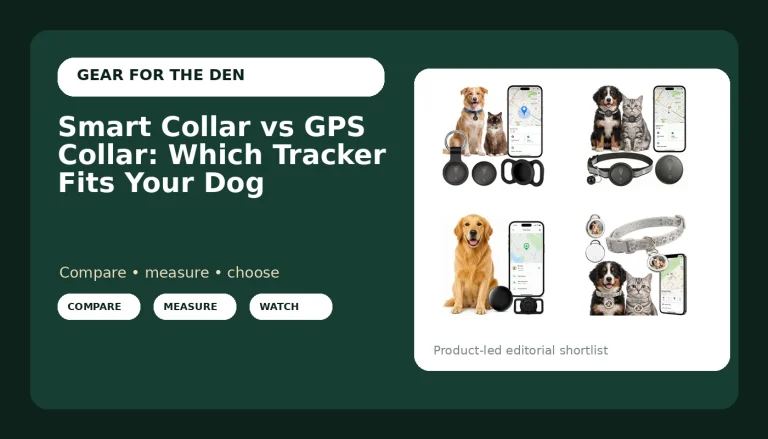
| RAINLEOTI GPS Wireless Dog Fence with Remote Training Collar | Single-dog yards where you want to avoid a monthly fee | Custom polygon boundary, free app control, listed for dogs 10 to 120 lbs, no monthly subscription |
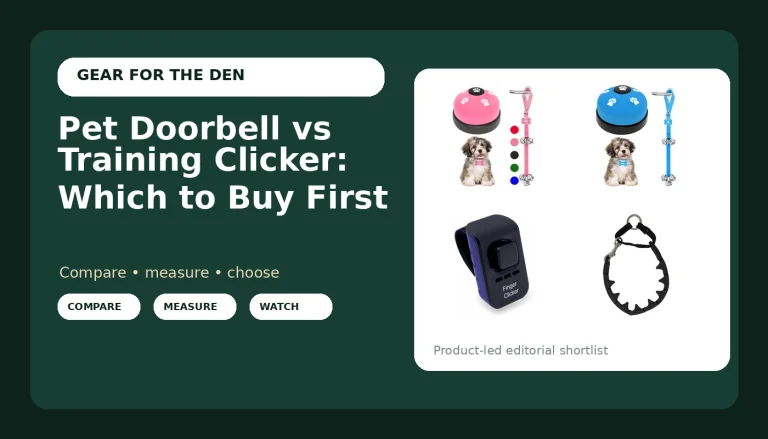
| GPS Wireless Dog Collar Fence System with Free Phone Tracker | Homes with several dogs sharing one boundary | Free phone tracker listed for up to 5 pets, custom polygon boundary, remote training, no monthly fee |
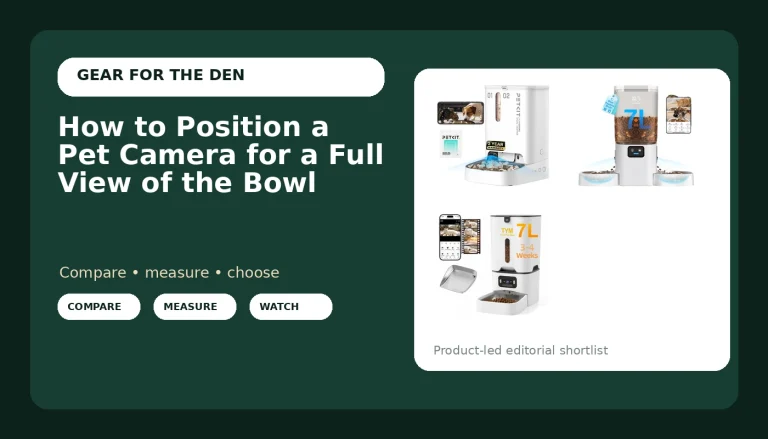
| GPS Wireless Dog Fence, 2-in-1 Smart GPS Wireless Dog Fence and Training Collar | Owners who want containment and training in one device | A GPS unit that combines a wireless fence with a training collar |
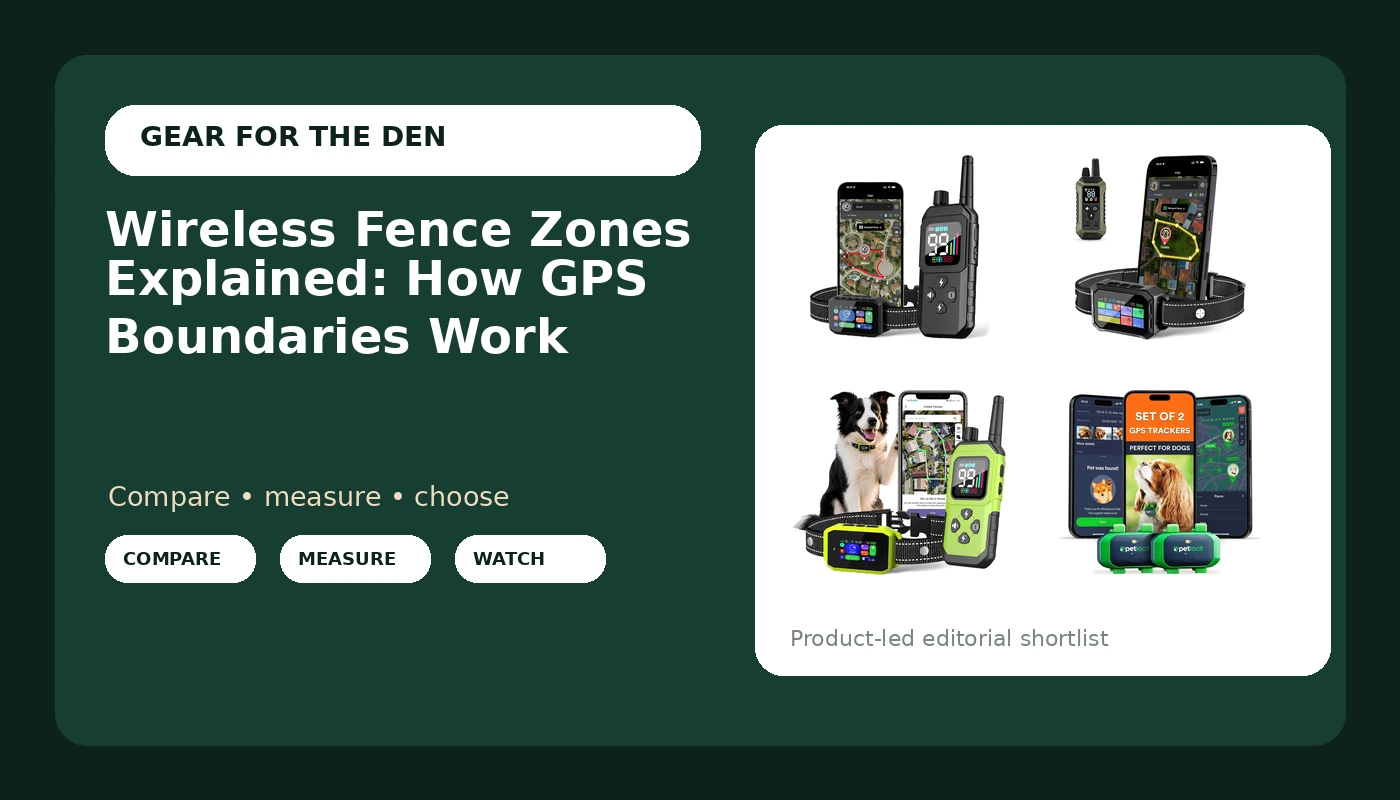
| Set of 2 Dog GPS Trackers with Geo-Fence Alerts | Tracking a dog instead of containing one | Two trackers, real-time location, smart alerts, geo-fence, waterproof, long-life battery, subscription required |
Featured: RAINLEOTI GPS Wireless Dog Fence with Remote Training Collar
The appeal here is simplicity: one collar, one app, one boundary you draw yourself, and no recurring charge stated in the listing. That matters, because subscription costs are the part of pet tech people regret most, and a fence that stops working when a card expires is a fence you stop trusting. The trade off is that everything rides on reception. A self-contained unit like this has no base station to plug in, so power backup means keeping the collar charged and keeping a spare charging routine rather than keeping a battery pack on the router. If your yard is heavily treed or walled, read the accuracy section below before you commit.
Multi-pet option: GPS Wireless Dog Collar Fence System with Free Phone Tracker
The difference here is headcount. A tracker for up to five pets makes this the sensible starting point for a multi-dog household that wants one map instead of five apps. In practice, multi-pet systems ask more of app pairing, since each collar has to be identified individually, and each dog needs its own warning distance and correction level. Budget extra setup time on day one, and test every collar on its own before you turn the whole pack loose inside the same zone. A dog that bolts for the gate while a second dog is still learning the line will teach you quickly why separate profiles matter.
Training combo: GPS Wireless Dog Fence, 2-in-1 Smart GPS Wireless Dog Fence and Training Collar
This one leans on the 2-in-1 idea: a wireless fence and a training collar sharing a single GPS unit, so you are not buying, fitting, and charging two devices. The listing is thinner on detail than the others here, so treat specification questions, battery life, water resistance, and how the boundary is edited, as things to confirm before ordering. The logic of a combined unit is sound for a dog still learning a boundary, because the same collar handles daily training sessions and containment duty. If you already own a training collar you like, that overlap is wasted money, and a dedicated fence unit would serve you better.
Tracker: Set of 2 Dog GPS Trackers with Geo-Fence Alerts
This one is not a containment fence, and that distinction matters more than any specification. A geo-fence here tells you when the dog has left an area; it does not tell the dog that it is approaching an edge. That makes it a fit for a dog that is already reliable, for a property you cannot fence at all, or for hikes and travel. It is also the only option in this group whose listing states outright that a subscription is required, so factor the ongoing cost into your math before you compare it against the others. Two units in one set also means you can cover a second dog or keep a spare charged.
Prices and availability may change. Product images, names, and retailer links are matched to verified listings. No current price, rating, stock status, or measured result is stated here without current evidence.
How wireless fence zones are drawn and stored
A zone is not a circle drawn with a radius slider on most current systems, even though early wireless fences worked that way. Modern wireless fence zones are polygons: you open the app, look at a satellite view of your property, and tap points around the area you consider safe. The app stores that shape, and the collar either keeps a copy or receives it when it syncs. When the collar takes a position fix, it asks a simple question, inside or outside, and acts on the answer.
There is no universal set of ideal wireless fence zones, because the right boundary follows your property rather than a template. A front yard, a back yard, a dog run, and a garden bed can be separate zones, and some apps let you keep several and switch them on depending on the day. Getting the correct wireless fence zones in place usually means walking the perimeter with the phone in hand rather than tracing it from the couch, because satellite imagery is often offset by several feet from the ground truth in front of you.
Two terms get mixed up constantly, so keep them separate. Signal range on these systems is about how well the collar receives satellite data and, for tracking models, how well the app receives an update over a cellular network. It is not the same as the radio range of an old wired transmitter, because there is no transmitter. If your phone shows the dog lagging a few seconds behind reality, that is a data update gap, not a fence failure.
What changes zone accuracy, and how to plan the boundary
Accuracy is a stack, not a single number. Satellite geometry, tree canopy, tall buildings, metal fencing, and the collar's antenna all affect how close the reported position sits to the real one. A boundary drawn two feet from a hedge will feel arbitrary to the dog, because the collar's fix wanders more than that right at the hedge line.
- Map the property at the time of day you actually use the fence, since a driveway that is open in the morning can be shaded by the house in the afternoon.
- Draw the boundary inward from anything that blocks sky view, and give the line a buffer of several feet on the far side of a fence or hedge.
- Set warning distance and correction level per dog, not per household, because a 12 lb dog and a 100 lb dog read the same setting very differently.
- Test each collar alone before running the group, and watch where the warning fires rather than trusting the map.
- Re-walk the boundary after any change to the yard, including a new shed, a parked trailer, or a relocated trampoline.
Practical guidance for living with a virtual fence
- Treat battery life as a routine, not a surprise. A collar on a daily charge cycle is a fence that works; a collar charged when you remember is a coin flip.
- Check water resistance in the listing before swimming or rainy-season use, and dry the contacts before charging.
- Understand power backup in this context: there is no base station, so the backup is a charged spare collar, a car charger, or a power bank for your phone.
- Audit the subscription line honestly. One of these options requires one, three do not, and the difference compounds over years.
- Test app pairing and map loading at the far corner of your property, because that is where you will actually need the app to respond.
For more on keeping the hardware alive through a full season, see how GPS collar battery life changes with use.
Which option should you choose?
Choose the RAINLEOTI GPS Wireless Dog Fence with Remote Training Collar when you have one dog, a yard you can map cleanly, and you want a stated no-subscription setup with a custom polygon boundary. Choose the GPS Wireless Dog Collar Fence System with Free Phone Tracker when several dogs share one boundary and you would rather manage one map and one tracker for up to 5 pets. Choose the GPS Wireless Dog Fence, 2-in-1 Smart GPS Wireless Dog Fence and Training Collar when you want containment and training on the same collar and would otherwise buy both. Choose the Set of 2 Dog GPS Trackers with Geo-Fence Alerts when you are not containing the dog at all but want to know where it is, and you accept a required subscription to get that.
One caveat applies to all four. Nothing here replaces training, and no listing in this round states an independent accuracy measurement, so the numbers that matter, warning distance, correction level, and boundary buffer, are ones you set and verify yourself on your own ground. The zone is only as good as the walk you did to place it.
The bottom line
Wireless fence zones are mapped boundaries compared against a GPS position, which means the technology is only half the job and the map you draw is the other half. Draw inward from obstacles, keep the line away from hedges and metal, set each dog separately, and test on foot before you rely on it. Of the four systems here, three are containment devices with no monthly fee stated and one is a subscription tracker that alerts rather than contains, so start by deciding which of those two jobs you are actually hiring for.